
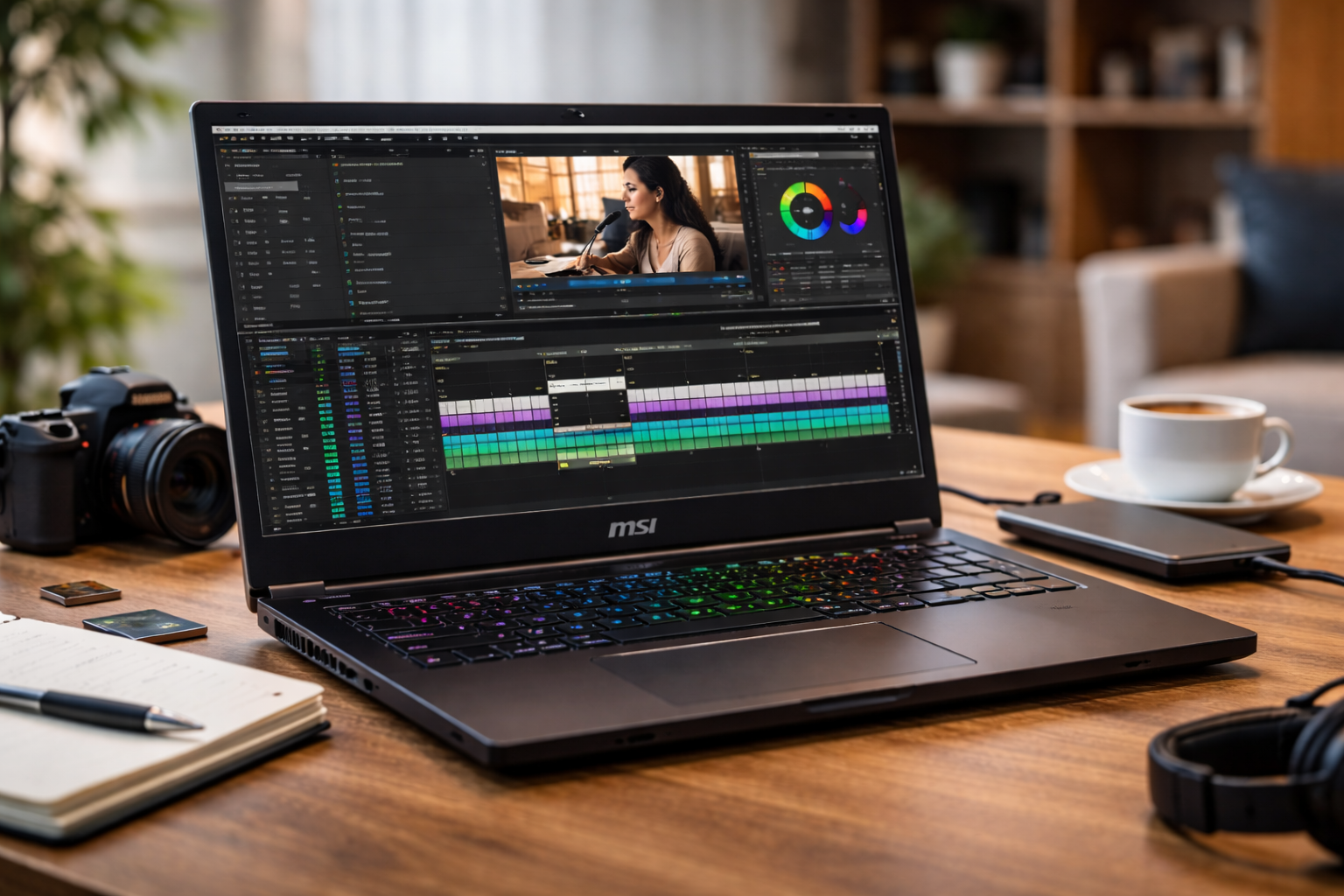
Short answer first: Yes, MSI laptops can be very good for video editing and content creation.
Many MSI laptops include powerful processors, dedicated graphics cards, fast storage, and high-quality displays—features that video editors and digital creators need for demanding workloads.
However, the suitability of an MSI laptop depends on the specific model and the type of creative work you plan to do. Understanding how MSI laptops perform in real editing environments can help you decide whether they are the right choice for your creative projects.
Introduction
Creative work demands powerful laptops that handle heavy workloads.
Why Content Creators Need Powerful Hardware
Video editing and content creation require significantly more computing power than everyday tasks. Editing high-resolution footage, rendering videos, and applying effects push hardware to its limits.
Creators typically need laptops with:
- Powerful multi-core processors
- Dedicated graphics cards
- Large amounts of RAM
- Fast SSD storage
- Color-accurate displays
Without these features, editing software can lag, rendering may take hours, and workflow productivity suffers.
MSI laptops often include many of these performance-focused components.
MSI’s Focus on High-Performance Hardware
MSI originally built its reputation among gamers and PC enthusiasts. The company’s expertise in high-performance hardware naturally translates well into creative workloads.
Video editing software benefits from the same hardware features that gaming laptops use:
- Strong CPUs
- Dedicated GPUs
- Advanced cooling systems
- High refresh displays
These features allow MSI laptops to process large video files efficiently.
Processor Performance for Editing Software
Video editing applications rely heavily on CPU performance.
Popular editing programs such as Adobe Premiere Pro, DaVinci Resolve, and Final Cut Pro require powerful processors to handle tasks like:
- Timeline playback
- Rendering effects
- Encoding final videos
MSI laptops frequently include high-performance processors from Intel and AMD. These processors support multitasking and large workloads.
A strong processor allows editors to preview footage smoothly and export videos faster.
Dedicated Graphics Cards Improve Editing Speed
Graphics processing units (GPUs) play an important role in modern editing software.
Many editing programs now use GPU acceleration for tasks such as:
- Rendering visual effects
- Color grading
- Video playback optimization
MSI laptops often include NVIDIA RTX graphics cards. These GPUs dramatically improve performance for creators working with high-resolution footage.
For example, editing 4K or even 8K video becomes much more manageable when the laptop includes a dedicated GPU.
RAM Capacity and Multitasking
Content creators often run multiple applications simultaneously.
A typical workflow might include:
- Video editing software
- Audio editing tools
- Graphic design applications
- Web browsers with research tabs
MSI laptops frequently support large RAM configurations, which improves multitasking.
Having 16GB or more RAM allows creators to work smoothly without constant slowdowns.
Storage Speed and File Management
Video files are extremely large compared to typical documents or photos.
A single 4K video project can require hundreds of gigabytes of storage. Slow storage drives can significantly slow down editing.
MSI laptops typically use high-speed SSD storage, which improves:
- File transfer speeds
- Project loading times
- Video export speed
Fast storage allows creators to move large files quickly and maintain efficient workflows.
Display Quality for Accurate Editing
Display quality is critical for video editing and visual content creation.
Creators need displays that show accurate colors and fine details.
Many MSI laptops include displays designed for creators with features such as:
- High resolution screens
- Wide color gamut coverage
- Bright panels with strong contrast
These displays help editors produce content that looks correct across multiple devices.
Cooling Systems for Long Editing Sessions
Video rendering and exporting can take hours, especially for complex projects.
During these tasks, laptop hardware generates a large amount of heat.
MSI laptops often include advanced cooling systems designed to handle sustained workloads.
Cooling systems typically include:
- Multiple heat pipes
- High-performance fans
- Efficient airflow design
These cooling features help maintain stable performance during long editing sessions.
Port Selection for Creative Workflows
Content creators often connect multiple external devices.
These devices may include:
- External storage drives
- Cameras
- Microphones
- External monitors
MSI laptops typically provide a variety of ports that support creative workflows.
Common ports include:
- USB-C
- HDMI
- USB-A
- Audio jacks
This flexibility allows creators to build efficient workstations.
Portability for Mobile Creators
Many content creators work remotely or travel frequently.
Laptop portability becomes important for creators who edit videos outside traditional offices.
MSI laptops balance portability and performance reasonably well. While some gaming models are heavier, creator-focused models are thinner and lighter.
Portable editing systems allow creators to work from:
- Coffee shops
- Studios
- Client locations
- Home offices
Mobility can significantly improve productivity.
Battery Life Considerations
Battery life is an important factor for creators working on the go.
High-performance hardware consumes more power, so battery life varies depending on workload.
During heavy editing tasks, laptops typically require charging more frequently.
However, for lighter tasks such as organizing footage or writing scripts, MSI laptops can provide several hours of battery life.
Creators who travel frequently should consider carrying chargers or external batteries.
MSI Creator Series Laptops
MSI offers laptops specifically designed for creative professionals.
The Creator series focuses on features that benefit designers, editors, and digital artists.
These laptops typically include:
- High-resolution displays
- Color-accurate screens
- Powerful CPUs and GPUs
- Professional design aesthetics
The Creator series is often recommended for serious video editors.
Gaming Laptops Also Work for Creators
Many creators use gaming laptops for video editing.
Gaming hardware overlaps significantly with creative hardware requirements.
Gaming laptops include:
- Powerful graphics cards
- Fast processors
- Strong cooling systems
These features support demanding creative workloads.
Although gaming laptops may look more aggressive, their performance makes them excellent editing machines.
Software Compatibility
Most video editing software works well on MSI laptops running Windows.
Popular editing software includes:
- Adobe Premiere Pro
- DaVinci Resolve
- Final Cut alternatives on Windows
- After Effects
These programs benefit from the hardware performance MSI provides.
Compatibility with creative software makes MSI a strong option for many creators.
Comparing MSI with Other Creative Laptop Brands
Content creators often compare MSI laptops with other popular brands.
Common alternatives include:
- Apple MacBook Pro
- Dell XPS
- ASUS ProArt
Each brand offers different strengths.
Apple laptops focus on software optimization and battery life.
Dell and ASUS offer professional design-focused machines.
MSI stands out for raw performance and powerful graphics hardware.
When MSI May Not Be the Best Choice
Although MSI laptops perform well for content creation, they may not be ideal for every creator.
Some users prefer laptops that emphasize:
- Ultra-thin designs
- Extremely long battery life
- Silent operation
MSI laptops sometimes prioritize performance over quiet operation or battery efficiency.
Creators should consider their workflow before choosing a device.
Are MSI Laptops Suitable for Professional Creators?
Many professional creators use MSI laptops successfully.
Freelancers, YouTubers, designers, and editors often rely on powerful laptops to produce high-quality work.
MSI laptops provide the hardware capabilities required for professional creative tasks.
However, the best laptop depends on the specific creative field and personal workflow preferences.
Creative Work Beyond Video Editing
MSI laptops support a wide range of creative applications beyond video editing.
These include:
- Graphic design
- 3D modeling
- Animation
- Music production
Creative professionals benefit from hardware that can handle multiple types of demanding software.
MSI’s performance-focused design helps support these workloads.
Business and Professional Workflows
Many creators also run businesses or freelance operations.
In these cases, laptops must support not only creative tasks but also professional work such as communication and project management.
If you want to explore how MSI laptops support professional work environments, you may find it helpful to read Does MSI make laptops for business professionals? to see how the brand fits into modern productivity needs.
Understanding how MSI laptops function in professional environments can help creators choose devices that support both creative and business tasks.
Final Thoughts
MSI laptops can be excellent tools for video editing and content creation. Their powerful processors, dedicated graphics cards, fast storage, and strong cooling systems make them capable of handling demanding creative workloads.
While some MSI models are heavier than ultrabooks and may prioritize performance over battery life, they offer strong capabilities for creators who need powerful portable workstations.
For many editors, designers, and digital creators, MSI laptops provide the performance needed to produce high-quality content efficiently.
Choosing the right model ensures the best balance between portability, power, and productivity.