
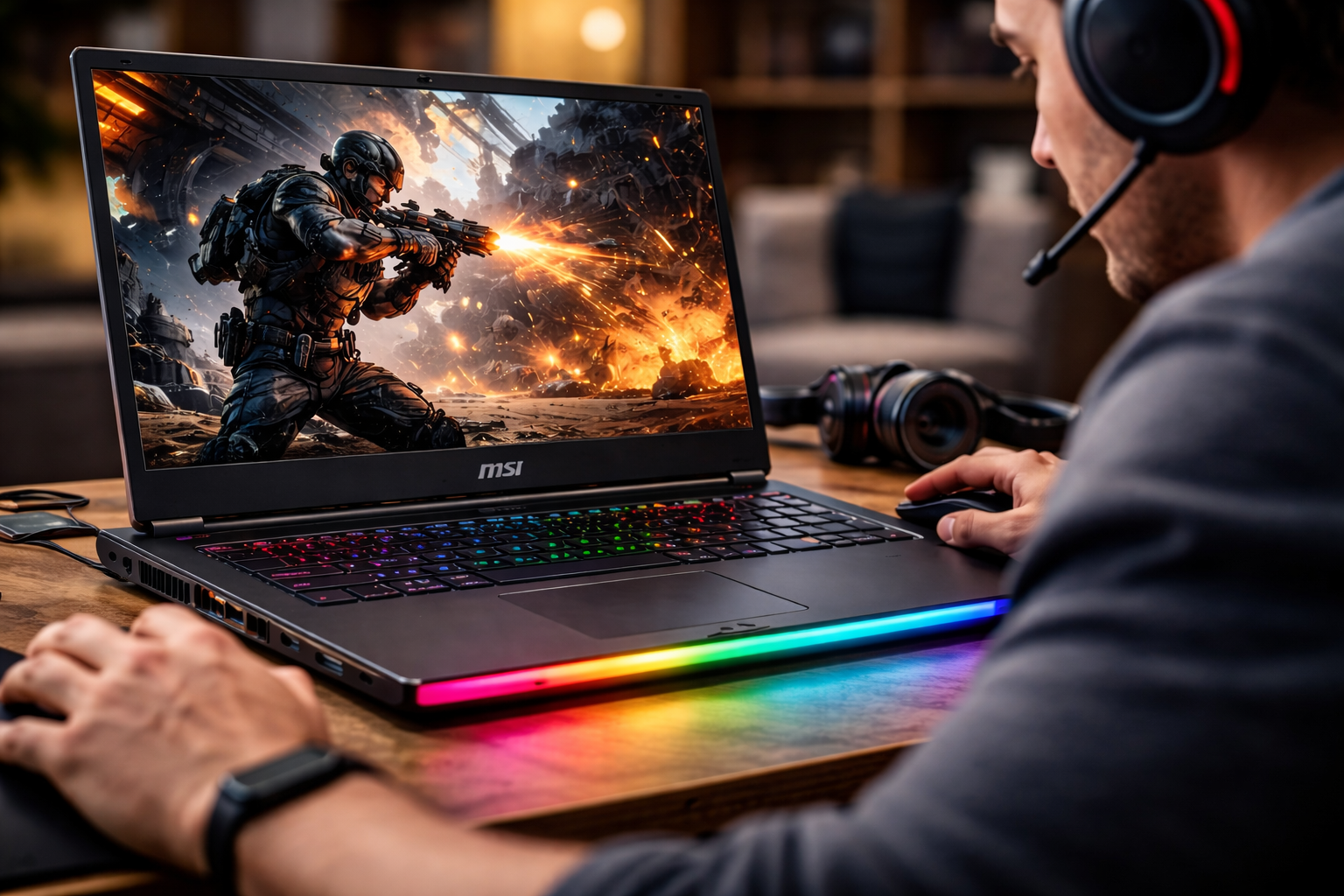
Yes, MSI laptops are generally reliable for long gaming sessions, especially when properly maintained and used within their design limits. MSI builds its gaming laptops with powerful hardware and advanced cooling systems specifically to handle extended workloads like gaming, streaming, and rendering.
However, reliability during long sessions depends on several factors, including cooling efficiency, airflow, system settings, and user habits. Understanding these factors helps you get the most out of your MSI laptop without performance drops or overheating issues.
Introduction
Long gaming sessions demand stability, cooling, and consistent performance.
What “Reliability” Means in Long Gaming Sessions
Reliability during long gaming sessions goes beyond simply running games.
It involves maintaining stable performance over time without crashes, overheating, or significant slowdowns.
A reliable gaming laptop should:
- Maintain consistent frame rates
- Prevent thermal throttling
- Avoid unexpected shutdowns
- Handle extended workloads smoothly
MSI laptops are designed with these goals in mind.
MSI’s Performance-First Engineering Philosophy
MSI builds gaming laptops for performance-intensive tasks.
This approach impacts how they behave during long sessions.
Instead of limiting power to keep temperatures low, MSI allows hardware to operate at higher performance levels.
This results in:
- Higher frame rates
- Faster processing
- More responsive gameplay
However, it also means the laptop generates more heat.
To compensate, MSI integrates strong cooling systems.
Cooling Systems Built for Extended Gaming
Cooling is the most important factor in long gaming reliability.
MSI gaming laptops often include:
- Multiple heat pipes
- Dual or triple fan systems
- Advanced airflow design
- Large exhaust vents
These cooling systems help dissipate heat efficiently during extended gaming sessions.
Proper cooling prevents thermal throttling, which can reduce performance.
Thermal Management and Stability
During long gaming sessions, laptops operate under continuous load.
MSI systems are designed to maintain stable temperatures within safe limits.
Thermal management features include:
- Dynamic fan speed control
- Thermal throttling safeguards
- Optimized airflow pathways
These features ensure that the system continues running even during intense gaming sessions.
GPU and CPU Performance Under Load
Modern games rely heavily on both CPU and GPU performance.
MSI gaming laptops often feature:
- High-performance CPUs
- Dedicated NVIDIA GPUs
These components are capable of handling demanding games for extended periods.
Unlike lower-powered laptops, MSI systems maintain consistent performance under stress.
Do MSI Laptops Overheat During Long Gaming?
MSI laptops can run warm during long sessions, but this is normal for high-performance devices.
Important points to understand:
- Heat is expected during gaming
- MSI systems are designed to handle higher temperatures
- Overheating typically occurs due to poor airflow or lack of maintenance
When used properly, MSI laptops maintain safe operating temperatures.
The Role of User Environment
The environment plays a critical role in gaming reliability.
Common mistakes include:
- Using laptops on soft surfaces
- Blocking ventilation
- Gaming in hot rooms
These factors reduce cooling efficiency and increase temperatures.
Using a hard surface or cooling pad improves airflow and performance.
Fan Noise vs Performance Trade-Off
During long gaming sessions, MSI laptops often increase fan speed.
This results in:
- Louder fan noise
- Better heat dissipation
- Stable performance
MSI prioritizes performance over silent operation.
Gamers often prefer this trade-off because it prevents frame drops.
Battery vs Plugged-In Gaming
Gaming on battery power limits performance.
MSI laptops perform best when plugged in.
When connected to power:
- CPU and GPU operate at full capacity
- Performance remains stable
- Cooling systems work efficiently
For long gaming sessions, always use the power adapter.
Reliability of MSI Gaming Series
MSI offers multiple gaming laptop series.
These include:
- Raider series
- Katana series
- Stealth series
Among these, higher-end models tend to provide better reliability under extended workloads.
For example, the msi raider series is designed for high-performance gaming and long sessions, making it one of the most reliable options in MSI’s lineup.
Long-Term Durability of MSI Gaming Laptops
MSI laptops are built to withstand extended use.
Durability depends on:
- Component quality
- Cooling system efficiency
- User maintenance
With proper care, MSI laptops can remain reliable for years.
Common wear items include:
- Fans
- Thermal paste
- Batteries
These components can be replaced if needed.
Maintenance and Its Impact on Reliability
Maintenance plays a key role in long-term gaming performance.
Recommended practices include:
- Cleaning dust from vents regularly
- Replacing thermal paste after several years
- Keeping software and drivers updated
Regular maintenance prevents overheating and performance drops.
Well-maintained systems last longer and perform better.
Software Optimization for Better Performance
Software settings can improve reliability during gaming.
Useful adjustments include:
- Lowering unnecessary background processes
- Using performance mode
- Adjusting in-game graphics settings
These optimizations reduce system strain and improve stability.
Comparing MSI to Other Gaming Laptop Brands
MSI competes with brands such as ASUS, Alienware, and Lenovo.
Each brand has strengths.
MSI stands out for:
- Strong cooling systems
- High-performance hardware
- Competitive pricing
Reliability levels are similar across major gaming brands.
Differences often come down to design choices and user preferences.
Common Issues During Long Gaming Sessions
Even reliable laptops can experience issues under heavy use.
Common problems include:
- High temperatures
- Fan noise
- Reduced battery life over time
These issues are typical for gaming laptops and not unique to MSI.
Understanding them helps users manage expectations.
Tips for Improving MSI Gaming Reliability
To maximize reliability during long sessions, follow these tips:
- Use a cooling pad
- Keep vents clear
- Play in a cool environment
- Update drivers regularly
- Avoid overloading the system with background tasks
These steps improve performance and extend hardware lifespan.
Who Should Choose MSI for Long Gaming Sessions
MSI laptops are ideal for:
- Competitive gamers
- Streamers
- Content creators
- Developers running intensive workloads
These users benefit from strong performance and reliable cooling systems.
Who Might Need Alternatives
Some users may prefer other options.
These include those who prioritize:
- Silent operation
- Lightweight designs
- Extended battery life
Ultrabooks or business laptops may suit these needs better.
Final Thoughts
MSI laptops are reliable for long gaming sessions when used correctly.
Their performance-focused design, advanced cooling systems, and strong hardware make them capable of handling extended workloads.
However, reliability depends on user habits, maintenance, and environment.
Understanding these factors ensures a better gaming experience.
For gamers who prioritize performance and stability, MSI remains a strong choice.
Summary
MSI laptops are reliable for long gaming sessions thanks to powerful hardware and advanced cooling systems. While they can run warm and produce fan noise, these factors support stable performance. With proper maintenance and usage, MSI laptops can handle extended gaming without major issues.