
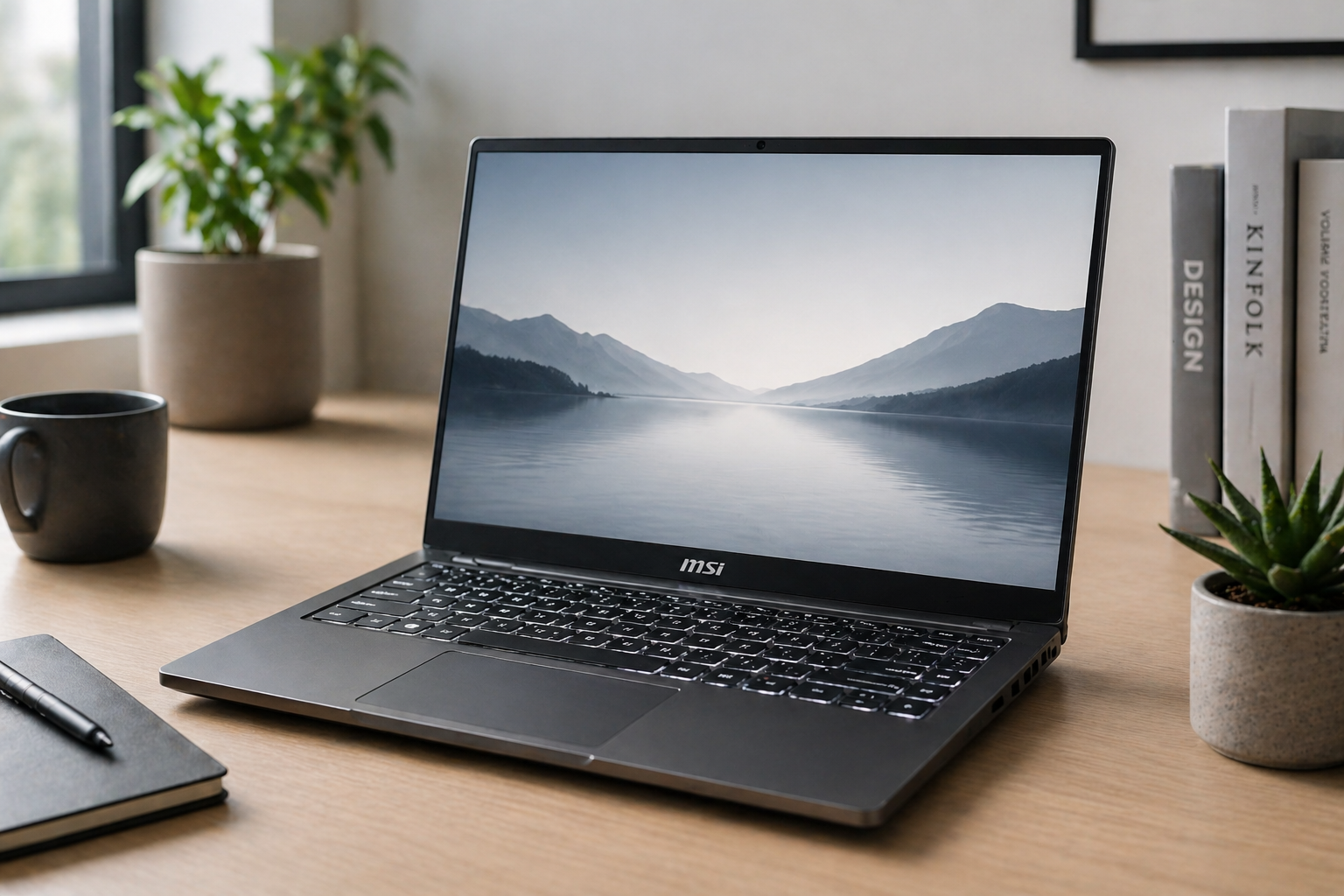
Yes, MSI does offer laptops without RGB lighting. While MSI is widely known for its flashy gaming designs, the brand also produces many professional, minimalist, and productivity-focused laptops that either have no RGB lighting or allow users to turn it off completely.
If you prefer a clean, subtle laptop design for work, school, or travel, MSI has several options that avoid the typical gaming aesthetic. Understanding MSI’s lineup will help you find a laptop that fits your style without sacrificing performance.
Introduction
Not every user wants flashy lights on their laptop.
Why RGB Lighting Is So Common on MSI Laptops
MSI built its reputation in the gaming industry.
RGB lighting became a signature feature of gaming laptops because it adds visual appeal and customization.
Gamers enjoy RGB lighting because it:
- Enhances aesthetics
- Matches gaming setups
- Allows color customization
- Creates immersive environments
However, not every user wants this design.
Professionals, students, and business users often prefer something more subtle.
Does MSI Only Make RGB Gaming Laptops?
No, MSI does not only make RGB gaming laptops.
Although the gaming lineup is highly visible, MSI offers a variety of laptops designed for:
- Business professionals
- Students
- Content creators
- Remote workers
These laptops focus more on functionality than visual effects.
MSI Laptop Series Without RGB Lighting
MSI has several laptop series that avoid RGB lighting or use minimal backlighting.
Prestige Series
The Prestige series is designed for professionals.
These laptops feature:
- Minimalist design
- Standard white keyboard backlighting
- Thin and lightweight build
They are ideal for office work, meetings, and travel.
Modern Series
The Modern series targets everyday users.
These laptops offer:
- Clean design
- No RGB lighting
- Affordable pricing
They are suitable for students and casual users.
Summit Series
The Summit series is MSI’s business-focused lineup.
Key features include:
- Professional aesthetics
- Enterprise-level security
- Minimal or no RGB lighting
These laptops are built for executives and corporate environments.
Gaming Laptops Without Visible RGB
Even within MSI’s gaming lineup, not all laptops rely heavily on RGB lighting.
Some models:
- Use subtle lighting
- Offer single-color backlighting
- Allow RGB to be turned off
This flexibility helps users balance performance with appearance.
Can You Turn Off RGB Lighting on MSI Laptops?
Yes, most MSI laptops allow you to disable RGB lighting.
Using MSI’s control software, you can:
- Turn off lighting completely
- Set a single color
- Adjust brightness levels
This feature is helpful for users who want a quieter, more professional look when needed.
Why Some Users Prefer No RGB Lighting
RGB lighting is not always practical.
Many users prefer laptops without RGB for several reasons:
Professional Environments
Bright lighting may look out of place in offices or meetings.
Battery Efficiency
RGB lighting consumes additional power.
Minimalist Design
Clean aesthetics appeal to many users.
Reduced Distractions
Simple designs help users stay focused.
These preferences explain why MSI offers non-RGB options.
Performance Without RGB: Does It Change Anything?
RGB lighting has no impact on performance.
MSI laptops without RGB still offer:
- Powerful processors
- Strong multitasking capabilities
- Reliable cooling systems
Performance depends on hardware, not lighting features.
Users can enjoy full power without flashy designs.
MSI for Students and Everyday Users
Students often prefer simple laptops.
Non-RGB MSI models are ideal for:
- Taking notes
- Completing assignments
- Attending online classes
These laptops blend well in academic settings.
They provide performance without unnecessary visual distractions.
MSI for Business Professionals
Business users often prioritize appearance and reliability.
MSI laptops without RGB are well-suited for:
- Meetings
- Presentations
- Office environments
Minimalist designs create a professional impression.
These laptops maintain a clean and polished look.
MSI for Content Creators
Content creators may not need RGB lighting.
Instead, they focus on:
- Display quality
- Processing power
- Storage performance
MSI creator laptops offer strong performance without flashy designs.
This makes them suitable for editing, design, and production work.
Comparing RGB vs Non-RGB MSI Laptops
Understanding the difference helps you choose the right model.
RGB Gaming Laptops
- Flashy designs
- Custom lighting
- Gaming-focused features
Non-RGB or Minimal Lighting Laptops
- Professional appearance
- Better for work environments
- More subtle design
Both categories offer strong performance.
The choice depends on your preferences and usage.
Weight and Portability Differences
Non-RGB MSI laptops are often lighter.
This is because they:
- Use thinner designs
- Focus on portability
- Avoid heavy gaming components
Lightweight models are easier to carry for travel or daily use.
Gaming laptops with RGB lighting tend to be heavier due to their hardware.
Battery Life Considerations
Laptops without RGB lighting can offer slightly better battery life.
This happens because:
- RGB lighting consumes additional power
- Simpler designs improve efficiency
For users who travel frequently, this difference can matter.
Customization and Flexibility
MSI offers flexibility across its lineup.
Even if a laptop includes RGB lighting, users can customize or disable it.
This flexibility allows one device to serve multiple purposes.
For example:
- Gaming at home
- Professional use at work
Users can switch between modes easily.
Reliability in Gaming and Performance Models
RGB lighting does not affect reliability.
What matters more is:
- Cooling performance
- Hardware quality
- System maintenance
If you are considering a gaming laptop, it’s helpful to explore Are MSI laptops reliable for long gaming sessions? to better understand how MSI systems perform under extended workloads.
Reliability comes from engineering, not lighting features.
Choosing the Right MSI Laptop for Your Needs
To choose the right MSI laptop, consider:
- Your primary use (gaming, work, school)
- Preferred design style
- Portability needs
- Battery expectations
Avoid choosing based only on appearance.
Focus on functionality first.
Common Misconceptions About MSI and RGB
Many people believe MSI only makes flashy gaming laptops.
This is not true.
MSI offers:
- Professional laptops
- Minimalist designs
- Business-focused devices
Understanding the full lineup helps you make better decisions.
Final Thoughts
MSI does offer laptops without RGB lighting, making it a versatile brand for different types of users.
Whether you need a professional laptop for work, a simple device for school, or a powerful machine for creative tasks, MSI provides options that match your preferences.
RGB lighting is just one feature, not a requirement.
With the right model, you can enjoy MSI’s performance without the flashy design.
Summary
MSI offers a wide range of laptops without RGB lighting, including professional, student, and creator-focused models. While gaming laptops often include RGB features, many MSI devices either avoid it entirely or allow users to disable it. Choosing a non-RGB MSI laptop provides a clean, professional look while still delivering strong performance and reliability.