
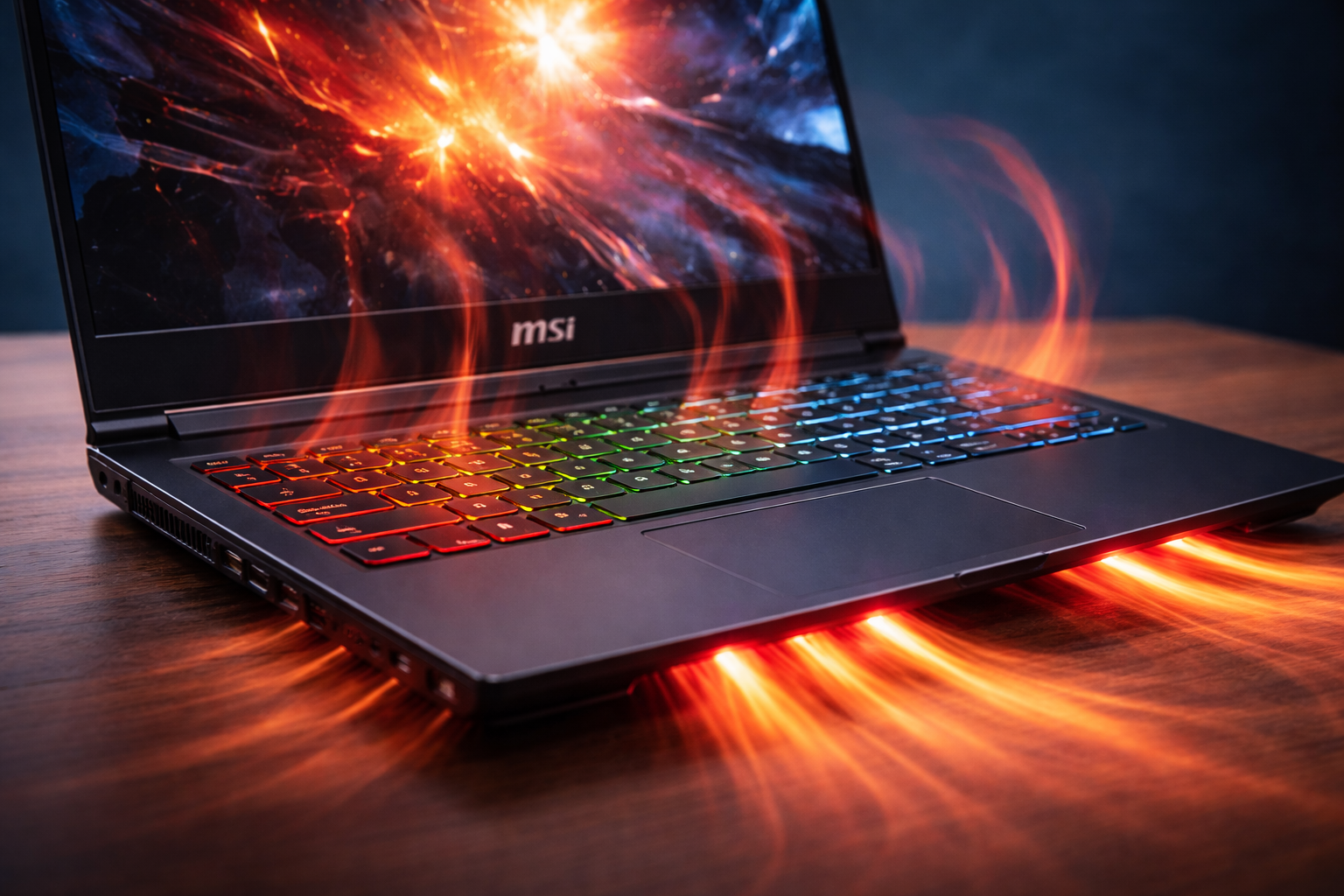
MSI laptops often run hotter because they prioritize high performance, powerful components, and aggressive power tuning over low temperatures.
This design choice delivers speed and stability under heavy workloads, but it naturally produces more heat.
Understanding why this happens helps you decide whether an MSI laptop fits your needs—or whether another brand suits you better.
Introduction
High performance brings heat, and MSI laptops embrace that reality.
Understanding the Core Question
When users ask why MSI laptops run hotter than other brands, they are usually comparing them to business or ultrabook-style machines.
Those comparisons are understandable, but they often miss the bigger picture.
MSI designs laptops with a very specific philosophy in mind.
That philosophy focuses on performance first.
Heat is a byproduct of power.
MSI accepts that tradeoff more openly than many competitors.
MSI’s Performance-First Design Philosophy
MSI builds laptops for users who demand speed, stability, and sustained performance.
This approach affects every design decision, from CPU wattage to cooling layout.
Many brands cap performance early to reduce heat.
MSI allows components to run closer to their limits.
That choice improves real-world speed.
As a result, temperatures rise faster under load.
However, performance remains consistent.
MSI values reliability under stress.
High-Wattage CPUs Are a Major Factor
One major reason MSI laptops run hotter is CPU power configuration.
MSI often allows processors to draw more watts than competitors.
Higher wattage means:
- Faster processing speeds
- Better multitasking performance
- Improved rendering and compiling times
However, higher wattage also creates more heat.
Many brands restrict power limits aggressively.
MSI usually does not.
This design benefits gamers and creators.
It disadvantages users expecting cool, silent machines.
Dedicated GPUs Add Significant Heat
Most MSI laptops include dedicated graphics cards.
GPUs generate substantial heat, especially under load.
When gaming or rendering:
- GPU temperatures climb quickly
- Shared heat pipes affect CPU temperatures
- Fans must work harder
Ultrabooks with integrated graphics run cooler.
MSI laptops rarely target that market.
They aim for performance-intensive tasks.
Heat increases because the workload increases.
That relationship is unavoidable.
Cooling Systems: Strong but Pushed Hard
MSI cooling systems are not weak.
They are simply pushed to their limits.
MSI laptops often include:
- Multiple heat pipes
- Dual or triple fan designs
- Large exhaust vents
These systems manage heat effectively.
However, sustained workloads challenge any laptop cooling solution.
Instead of throttling early, MSI allows temperatures to rise.
Fans respond by spinning faster.
Noise increases, but performance stays stable.
Thin Chassis Designs Trap Heat
Many modern MSI laptops use thin chassis designs.
Thin designs reduce airflow volume.
Less internal space means:
- Heat dissipates slower
- Components sit closer together
- Thermal saturation occurs faster
Thicker laptops cool more easily.
However, they feel bulky and outdated.
MSI balances portability and power.
This balance favors performance.
Heat becomes the tradeoff.
Design physics cannot be ignored.
Factory Thermal Profiles Favor Speed
MSI ships laptops with aggressive thermal profiles.
Out of the box, systems prioritize responsiveness.
This means:
- Turbo boost stays active longer
- Fans ramp later rather than earlier
- Power limits remain high
Many brands tune for comfort.
MSI tunes for output.
Users feel the heat difference immediately.
Fortunately, MSI allows customization.
You can reduce heat manually.
Default settings simply aim high.
Gaming Workloads Are Not “Normal Use”
Many heat complaints arise during gaming.
Gaming is one of the most demanding workloads possible.
During gaming:
- CPU and GPU work simultaneously
- Heat output doubles
- Sustained loads stress cooling systems
Comparing gaming laptops to office laptops skews expectations.
Office machines idle most of the time.
Gaming laptops rarely rest.
MSI designs laptops for constant strain.
Heat reflects that mission.
Performance remains the priority.
MSI Laptops Are Designed to Handle Heat Safely
Running warm does not mean unsafe.
MSI engineers systems to operate within thermal limits.
Key safeguards include:
- Thermal throttling thresholds
- Automatic fan curves
- Emergency shutdown protections
Components are rated for high temperatures.
Sustained heat does not automatically mean damage.
Poor ventilation causes most problems.
MSI laptops tolerate heat better than many realize.
User Environment Plays a Huge Role
Where and how you use your laptop matters.
Many heat complaints ignore environmental factors.
Common contributors include:
- Soft surfaces blocking vents
- Warm rooms without airflow
- Dust buildup over time
Using laptops on beds or couches traps heat.
Even excellent cooling systems fail in those conditions.
MSI laptops are not immune.
Proper placement dramatically reduces temperatures.
This step is often overlooked.
Fan Noise vs Heat: A Conscious Tradeoff
MSI chooses louder fans over throttling.
Other brands do the opposite.
This decision leads to:
- Higher temperatures before fans peak
- Noticeable fan noise under load
- Better sustained performance
Some users dislike fan noise.
Others prefer consistent speed.
MSI clearly favors the latter.
That choice explains much of the heat perception.
Thermal Paste and Long-Term Maintenance
Over time, thermal paste degrades.
Dust accumulates inside laptops.
Without maintenance:
- Heat transfer becomes less efficient
- Fans work harder
- Temperatures rise
Many users never clean laptops.
After one or two years, heat increases noticeably.
This issue affects all brands.
MSI laptops benefit greatly from periodic cleaning.
Maintenance restores thermal performance.
Comparing MSI to Cooler Laptop Brands
Brands known for cooler laptops often limit performance.
They cap CPU boost duration.
They restrict GPU wattage.
These limits keep temperatures low.
They also reduce speed.
MSI chooses the opposite path.
Performance stays high.
Heat follows naturally.
Neither approach is objectively better.
It depends on user priorities.
Is Heat Always a Bad Thing?
Heat itself is not the enemy.
Uncontrolled heat causes damage.
MSI laptops control heat effectively.
They simply operate closer to thermal limits.
This approach maximizes output.
Professional workstations behave similarly.
Servers run hot continuously.
They are built for it.
Understanding this context changes perception.
How to Reduce Heat on an MSI Laptop
You can lower temperatures significantly with simple adjustments.
Effective methods include:
- Undervolting CPU and GPU
- Adjusting fan curves
- Limiting turbo boost
- Using a cooling pad
- Keeping vents clean
These steps often reduce temperatures by 5–15°C.
Performance impact remains minimal.
User control makes a difference.
MSI provides tools for this purpose.
Are MSI Laptops Poorly Designed?
No, MSI laptops are not poorly designed.
They are designed with different priorities.
Heat results from:
- Strong components
- Aggressive tuning
- Compact designs
Design intent matters more than raw temperature numbers.
Evaluating heat without context misleads buyers.
Understanding design goals clarifies everything.
Heat Perception vs Real-World Reliability
Many MSI laptops last years under heavy use.
Gaming cafés and esports teams rely on them.
High temperatures do not automatically shorten lifespan.
Proper airflow and maintenance matter more.
User habits determine longevity.
Heat is manageable with awareness.
Design resilience supports long-term use.
Should Heat Affect Your Buying Decision?
Heat should inform—not scare—you.
Ask yourself how you will use the laptop.
If you want:
- Silent operation
- Long battery life
- Cool surfaces
MSI may disappoint.
If you want:
- Strong performance
- Stable gaming
- Heavy multitasking
MSI excels.
Context decides satisfaction.
Is MSI Laptop Good or Bad Overall?
Heat often drives this broader question.
To explore that fully, see Is MSI laptop good or bad? for a balanced, decision-focused breakdown.
Understanding heat behavior makes that evaluation clearer.
Heat alone does not define quality.
Performance goals matter more.
Expert Perspective on MSI Thermal Behavior
From an engineering standpoint, MSI’s approach makes sense.
Thermal headroom enables sustained workloads.
Professional users often prefer predictable performance.
Short bursts mean little in real work.
MSI optimizes for real-world stress.
Benchmarks confirm consistency.
That consistency requires thermal tolerance.
Common Myths About MSI Laptop Heat
Several myths distort perception.
- “Hot means defective”
- “Heat equals short lifespan”
- “Other brands don’t get hot”
These claims oversimplify reality.
All powerful laptops generate heat.
MSI simply allows it.
Understanding physics eliminates fear.
Final Thoughts
MSI laptops run hotter because they are designed to work harder.
Performance-first tuning prioritizes speed and stability.
Heat is the cost of power.
For the right user, that tradeoff feels worthwhile.
For others, it feels uncomfortable.
Knowledge empowers better choices.
Heat becomes understandable, not alarming.
Summary
MSI laptops often run hotter because they prioritize high performance, high-wattage components, and sustained workloads.
Their aggressive power tuning and compact designs generate more heat than conservative laptops.
However, MSI systems are built to handle these temperatures safely.
Understanding this design philosophy helps buyers decide whether MSI aligns with their needs.