
Introduction
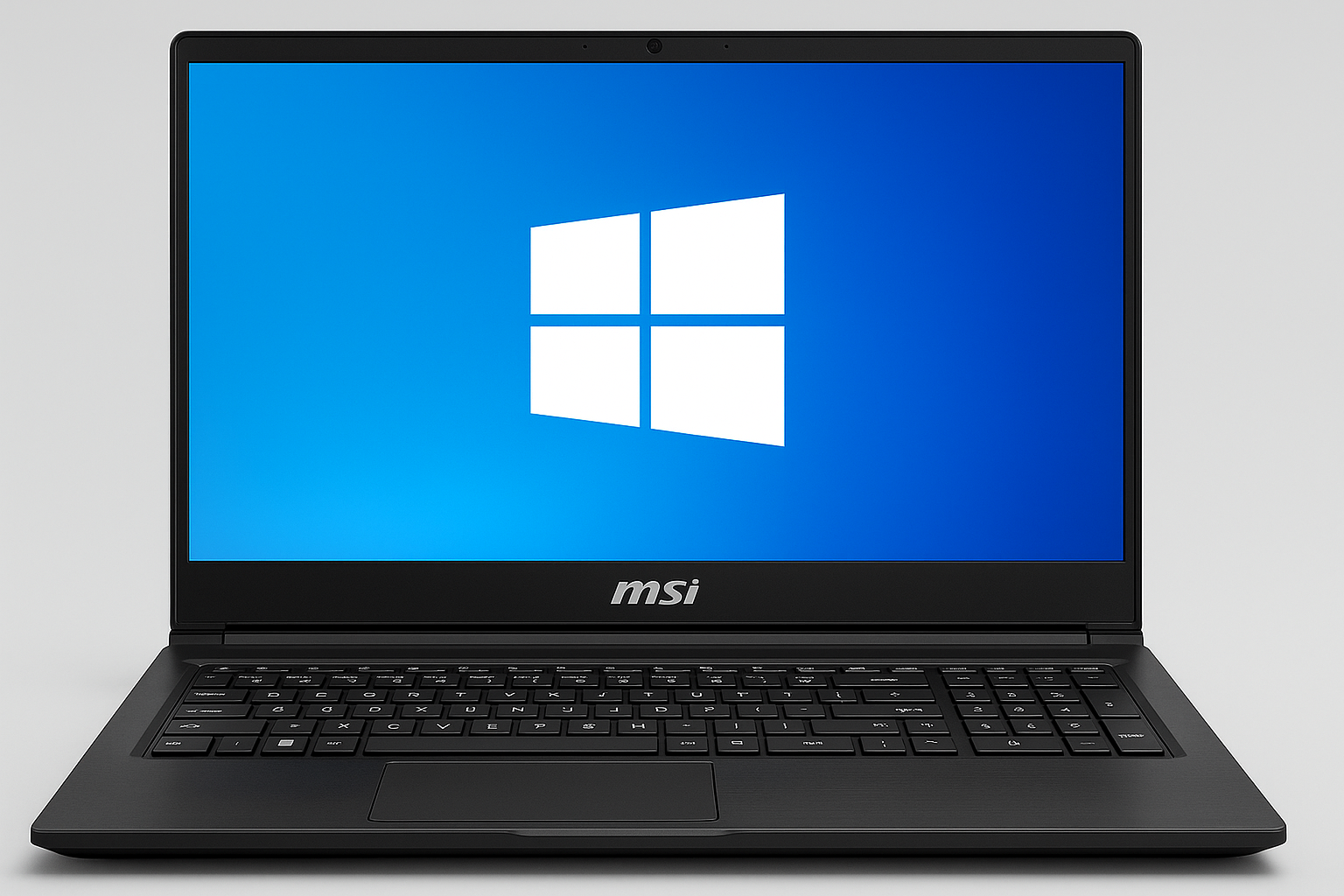
Unleash performance where power meets compatibility with an MSI twist.
Is MSI Only for Windows?
No, MSI is not only for Windows. While most MSI laptops and desktops come preloaded with Windows, many can run Linux or even dual-boot systems. MSI builds hardware, not just Windows machines. Think of MSI as a talented chef — Windows is just the favorite recipe, not the only dish on the menu.
That said, Windows dominates MSI’s market because of gaming, driver support, and software optimization. But you’re not trapped in a Microsoft-only world. If you’re brave enough, curious enough, or slightly allergic to Windows updates, there’s life beyond it.
MSI and Its Windows Partnership
MSI and Microsoft have been long-time allies in the world of high-performance computing. Windows is deeply integrated into MSI’s gaming laptops, desktops, and creator systems.
You’ll often find features like:
- MSI Center – built for tuning performance and fan speeds (Windows-based).
- Dragon Center – lets gamers tweak graphics, lighting, and system modes.
- Pre-installed drivers optimized for Windows updates and compatibility.
These tools make the Windows experience feel like a smooth joyride. They’re the reason MSI systems feel so “plug and play” for gaming and productivity.
But let’s be real — that convenience also creates dependency. It’s like your laptop’s comfort zone. Try another OS, and suddenly it feels like your keyboard learned a foreign language overnight.
Can MSI Run Linux?
Yes! MSI laptops can absolutely run Linux. Many tech enthusiasts install Ubuntu, Fedora, or Pop!_OS on MSI hardware.
However, Linux installation isn’t always a fairy tale. You might need to wrestle with:
- GPU driver setup (especially with NVIDIA cards).
- Touchpad or keyboard mapping quirks.
- Battery optimization tweaks.
Still, once configured, Linux on MSI machines runs like a dream. Developers and ethical hackers love it because it’s lean, customizable, and free from Windows’ occasional “restart to update” drama.
And yes, Linux gives you bragging rights. You get to say things like, “I optimized my kernel before breakfast.”
What About macOS?
Here’s where things get tricky. Apple doesn’t allow macOS to run natively on non-Apple devices. So, no, you can’t just slap macOS onto your MSI.
Some enthusiasts build “Hackintosh” systems — basically macOS running on custom-built PCs. Technically possible? Yes. Legally smooth? Not really. Apple frowns upon it like a teacher catching you copying homework.
So, for macOS lovers, MSI isn’t the path. You’ll need a MacBook or an iMac to enjoy Apple’s sleek environment without breaking rules (or your warranty).
Why Windows Still Rules MSI’s Kingdom
Windows has deep compatibility with MSI’s gaming ecosystem. It supports:
- NVIDIA and AMD drivers.
- MSI Mystic Light RGB software.
- Game optimizers like MSI Afterburner.
- A massive library of Windows-exclusive games.
Gamers want simplicity: open laptop, launch Steam, dominate. Linux, while powerful, sometimes demands too much tinkering.
Windows also supports DirectX 12 Ultimate, crucial for gaming visuals. That’s like giving your laptop superhero-level eyesight. Linux gaming is catching up through Proton and Steam Deck innovations, but MSI’s ecosystem still performs best with Microsoft’s OS.
Humor Break: MSI vs. Operating Systems
Let’s lighten things up a bit:
- Windows: “I’m your reliable friend. But I might restart during your boss presentation.”
- Linux: “I’m powerful, but you must earn my respect through terminal commands.”
- macOS: “I’m beautiful. I’m smooth. But you can’t sit with us unless you’re Apple.”
MSI plays nice with Windows because that’s where the big crowd is. But the hardware itself is like an extrovert at a tech party — it can mingle with anyone if you know how to introduce it properly.
How MSI Benefits Non-Windows Users
Some creators, developers, and scientists prefer Linux for its stability and freedom. MSI machines, with their strong CPUs and GPUs, handle Linux environments like pros.
For developers:
- Compilation times shrink dramatically with MSI’s processors.
- Multi-monitor setups work beautifully once configured.
- GPU computing thrives under proper driver management.
For cybersecurity enthusiasts:
- Kali Linux or Parrot OS runs perfectly with minor tweaks.
- You gain total control of your hardware’s security posture.
For creative professionals:
- Open-source tools like Blender or GIMP run flawlessly.
- Linux’s lightweight nature enhances rendering performance.
So no, MSI isn’t chained to Windows. It just happens to throw the biggest party there.
Why MSI’s Design Makes Cross-Platform Use Possible
MSI designs its machines with standardized hardware. This means they don’t rely on proprietary connectors or unusual chips. That makes alternative OS installations feasible.
Common traits include:
- Standard BIOS with easy boot configuration.
- Accessible SSD and RAM slots for upgrades.
- Universal driver support for key components.
That flexibility attracts tech-savvy users who like experimenting with operating systems. It’s like buying a sports car you can tune however you like.
When Should You Stick With Windows on MSI?
Stay with Windows if:
- You play modern AAA games.
- You use MSI’s native control software.
- You prefer official support and driver updates.
- You value convenience over configuration challenges.
Switch to Linux if:
- You code, develop, or manage servers.
- You prefer open-source tools.
- You enjoy customization and technical freedom.
Windows is easier, Linux is freer — and both work beautifully when paired with MSI’s robust engineering.
Real User Experiences
Many users report successful dual-boot setups on MSI laptops. They keep Windows for gaming and Linux for work or ethical hacking.
One Reddit user joked, “I dual-booted my MSI. Now it judges me when I pick Windows for Netflix instead of coding.”
That’s the fun part about MSI — it empowers flexibility. It doesn’t limit your choices; it amplifies them.
Want to Learn More?
If you’d like to understand MSI’s roots and history, check out What does MSI stand for? to uncover the brand’s origin story and purpose. It’ll help you see why MSI builds hardware that welcomes experimentation, performance, and creativity.
Final Thoughts
MSI isn’t limited to Windows — it just happens to thrive there. The company builds exceptional hardware that can adapt to multiple operating systems. Whether you’re a gamer, coder, or casual explorer, MSI provides performance that fits your style.
If you want maximum compatibility and ready-to-go software, stick with Windows. If you love customization and open-source power, Linux awaits your touch.
Technology should serve your goals, not the other way around. MSI ensures you have the freedom to choose the platform that helps you play, work, and create without limits.
Summary
MSI is not only for Windows users. Its versatile hardware supports Linux and other open-source systems with the right configurations. Windows remains the most supported option, but MSI gives you flexibility, choice, and freedom — making it a powerhouse for gamers and tech lovers alike.